AI Image to Video
Add a photo, say how it should move, and get a short clip back: people smile and turn, water ripples, the camera glides. Start here with anything you have, and the studio opens the right tool for it.


Start with what you have
A photo, two frames, a few references or just an idea. Each one opens its own studio with the generator ready and your file already in it.
Image to Video
One photo starts to move: a smile, a turn, the camera gliding in.
Text to Video
No photo yet? Describe the shot and the model films it.
 2 photos
Frames to Video
Pick where the shot starts and where it lands. AI plays the move between.
 Up to 10 photos
Reference to Video
Keep the same face, outfit or product in a brand-new scene.
Photo to Video
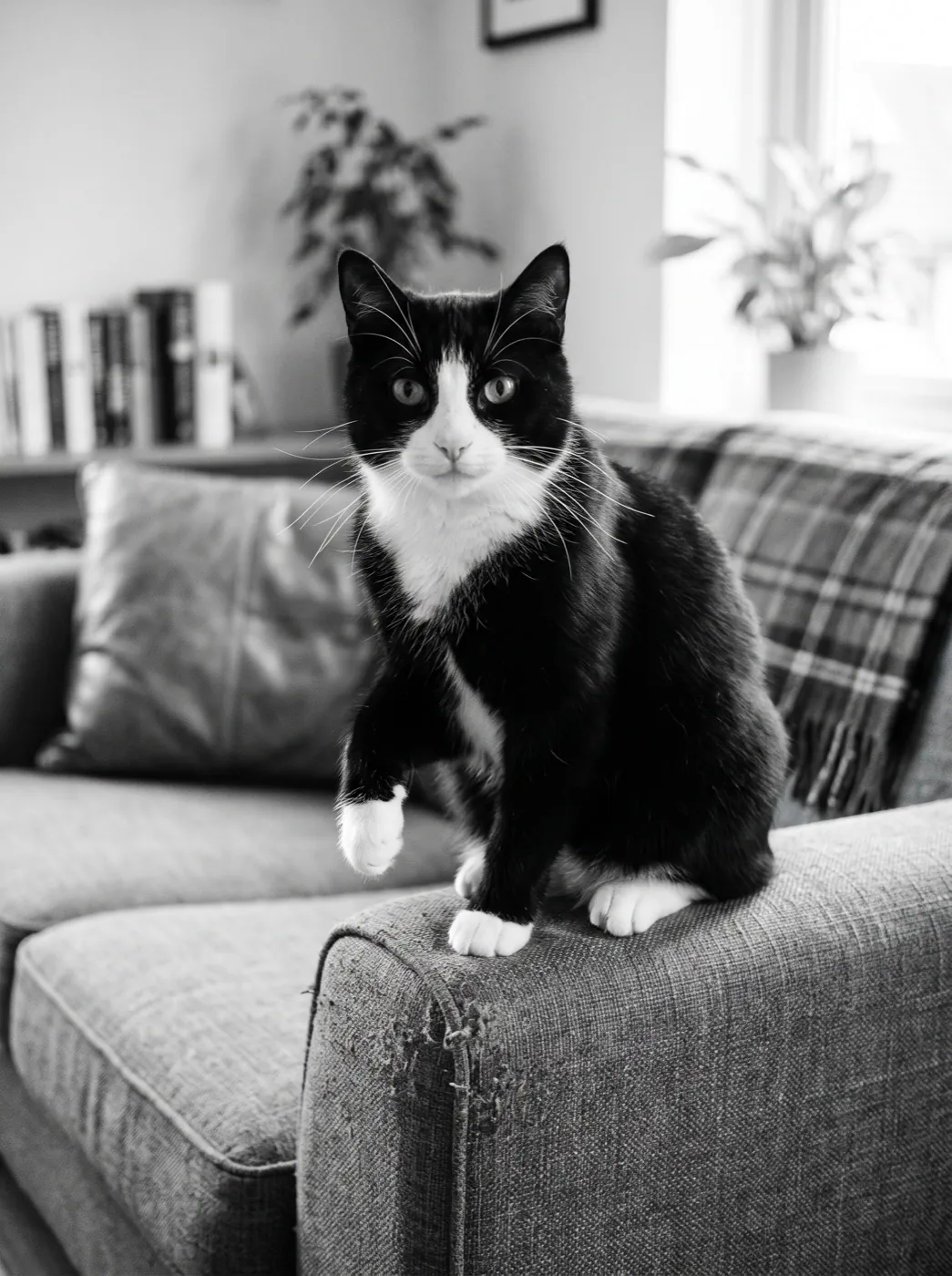
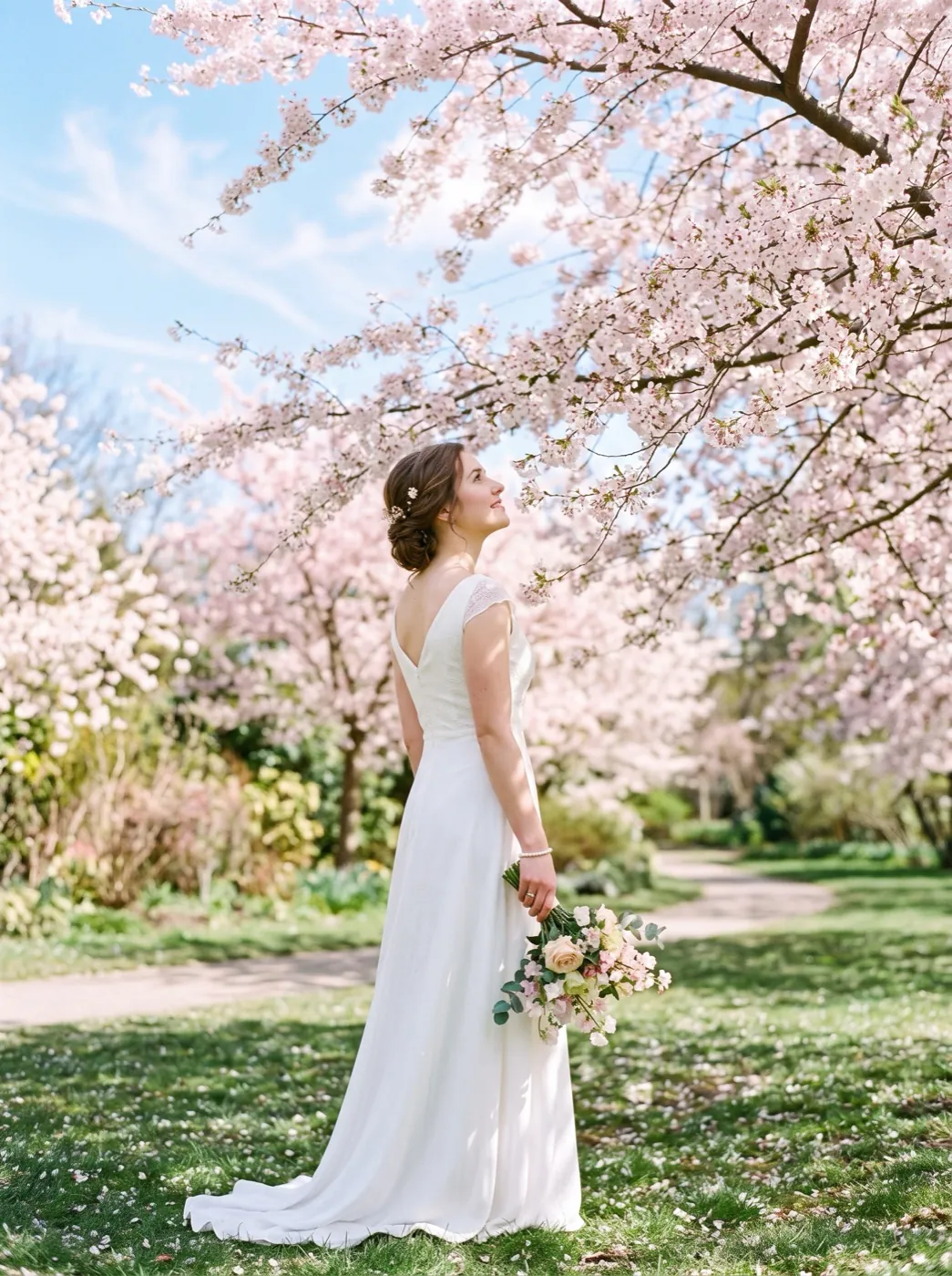
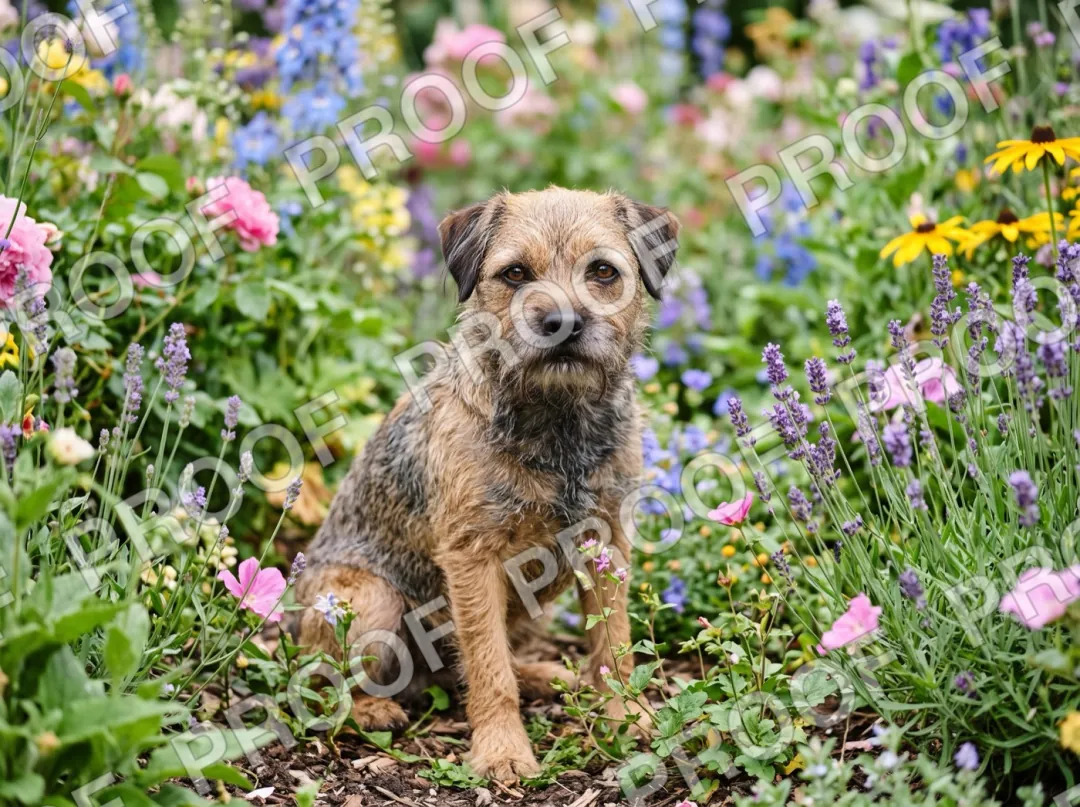
Family prints, wedding shots and pets, moved gently so they still look like them.
 1 photo
Image to Image
Change the light, the style or the room around a photo you already have.
 Words only
Text to Image
Make the picture first, then send it to video with one tap.
Effects
62 tested effects. No prompt to write: add a photo and press once.
Prompt ideas that already work
Tap Use and the words and the model load into the box above. Add your own photo and keep the rest.
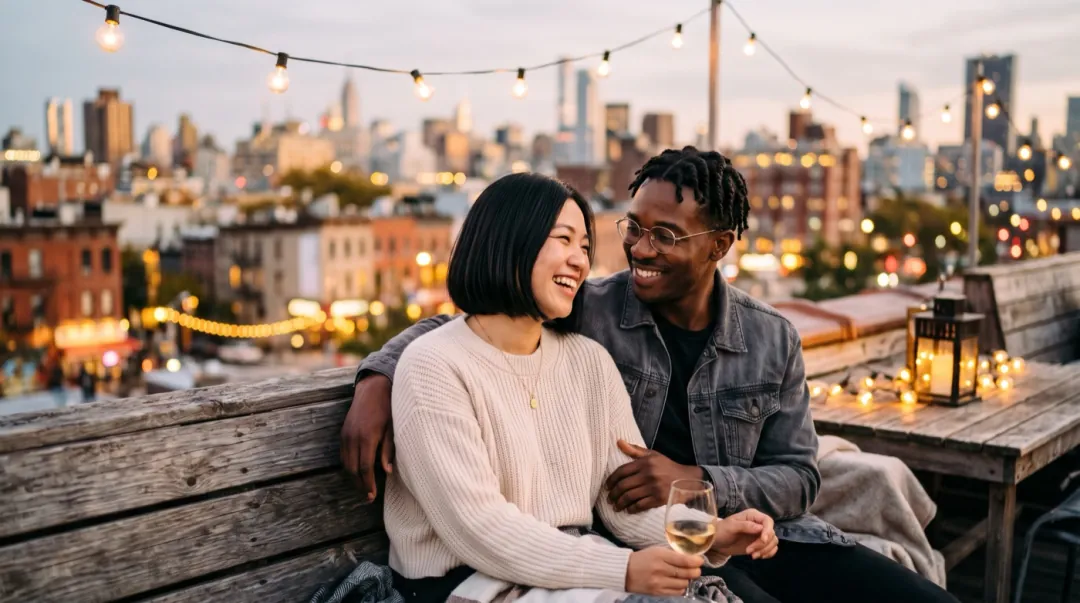
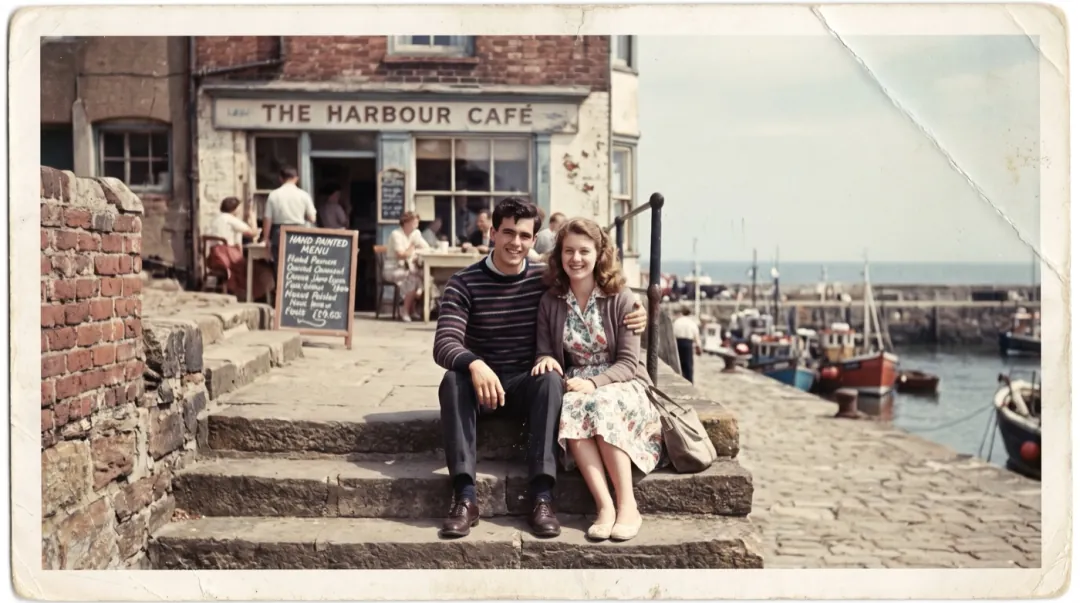
He pulls her into a hug, she laughs and rests her head on his shoulder, the string lights sway, slow push-in.
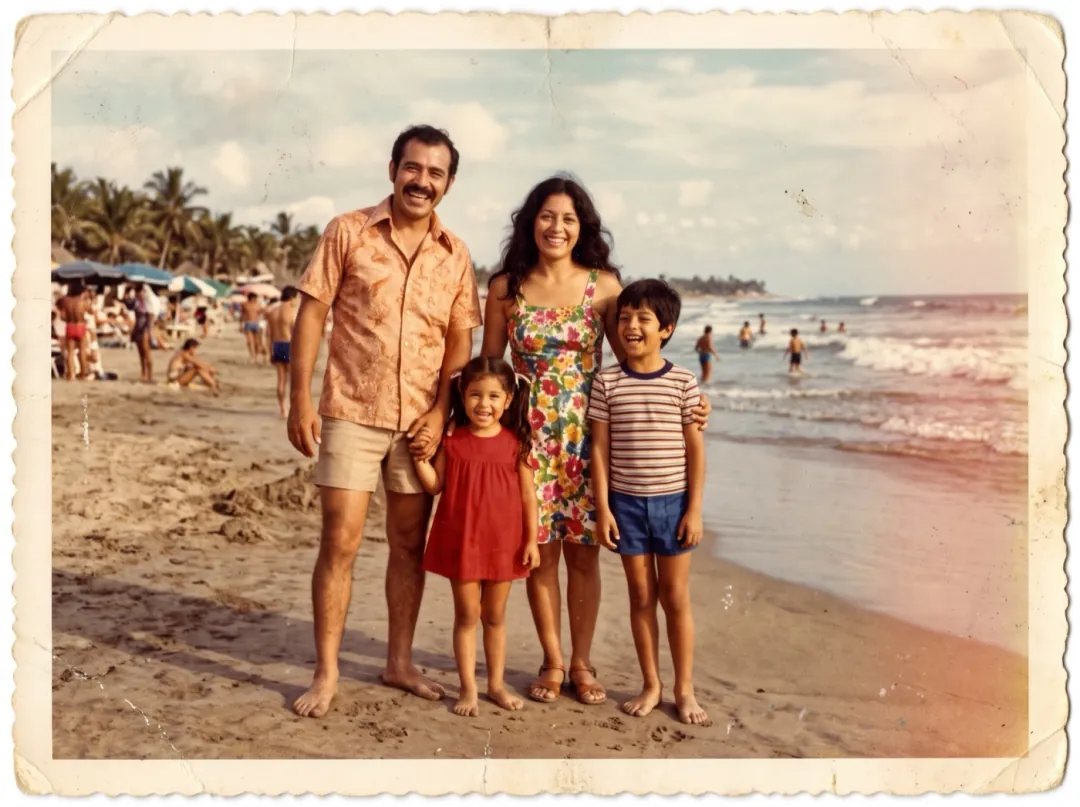
The father lifts the girl onto his shoulders, everyone laughs, the waves roll in behind them.
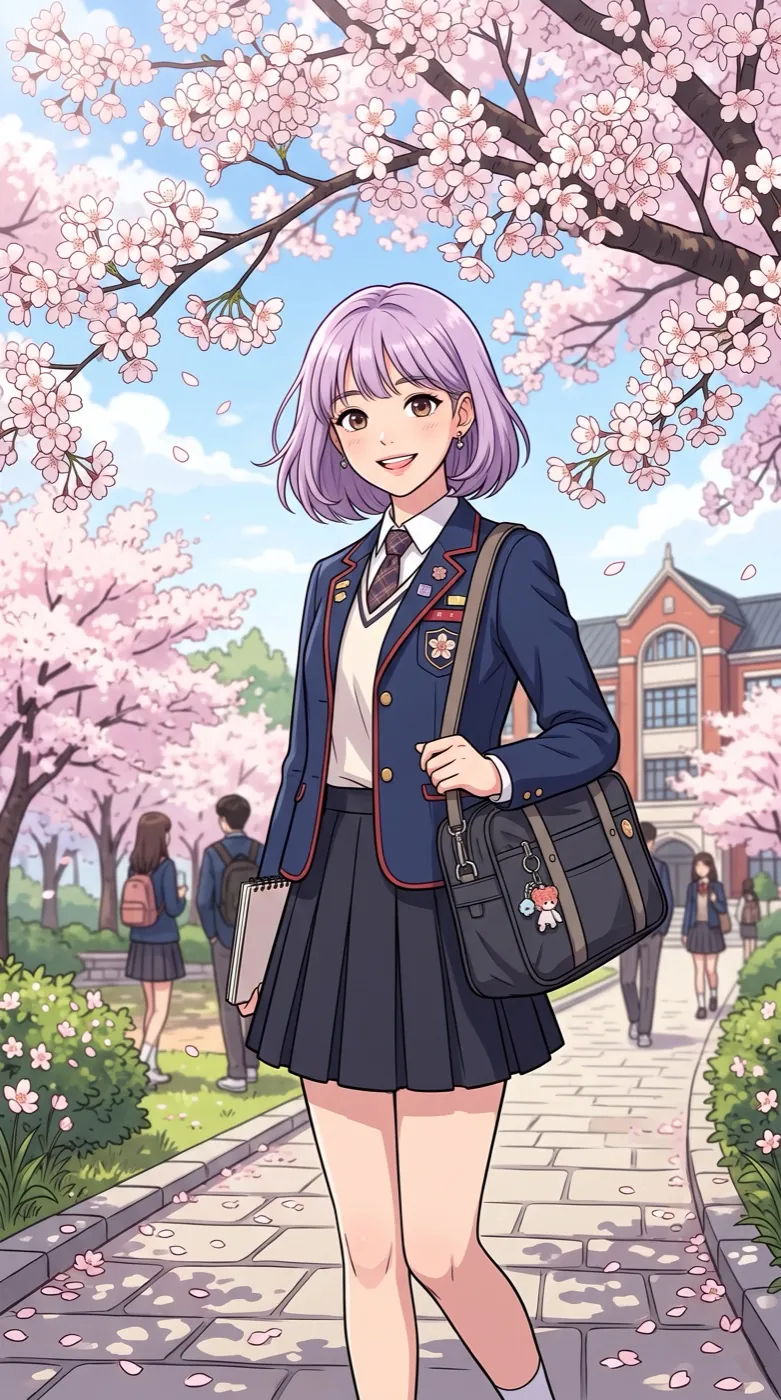
Wind lifts her hair and petals swirl past, she turns and smiles, anime style kept.
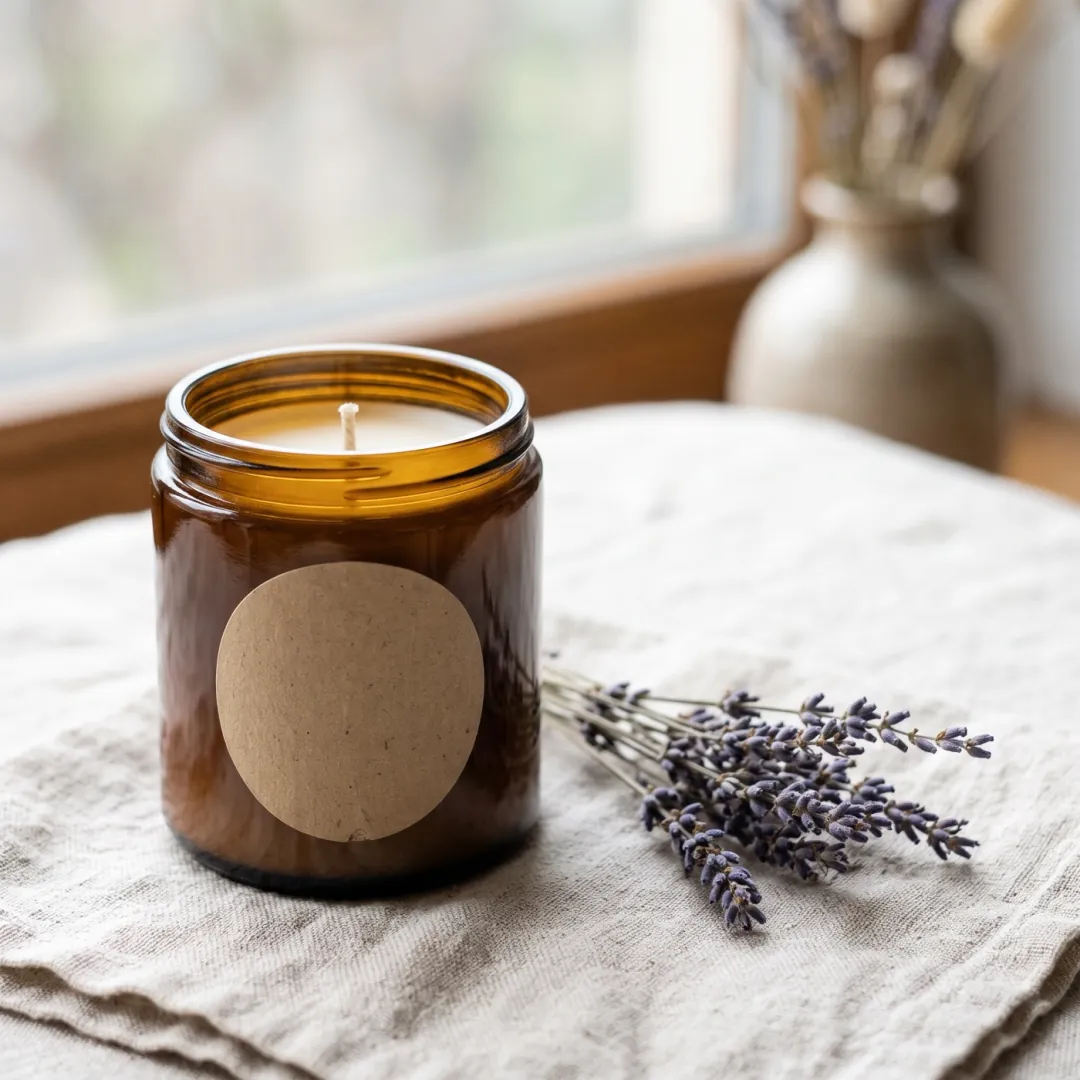
The candle turns slowly on the cloth, the flame flickers, light glints on the glass, smooth 180-degree turn.
Real photos in, real clips out
Each pair is one upload and the clip it made, with the line we typed. Nothing was edited afterwards.
 PhotoVideo
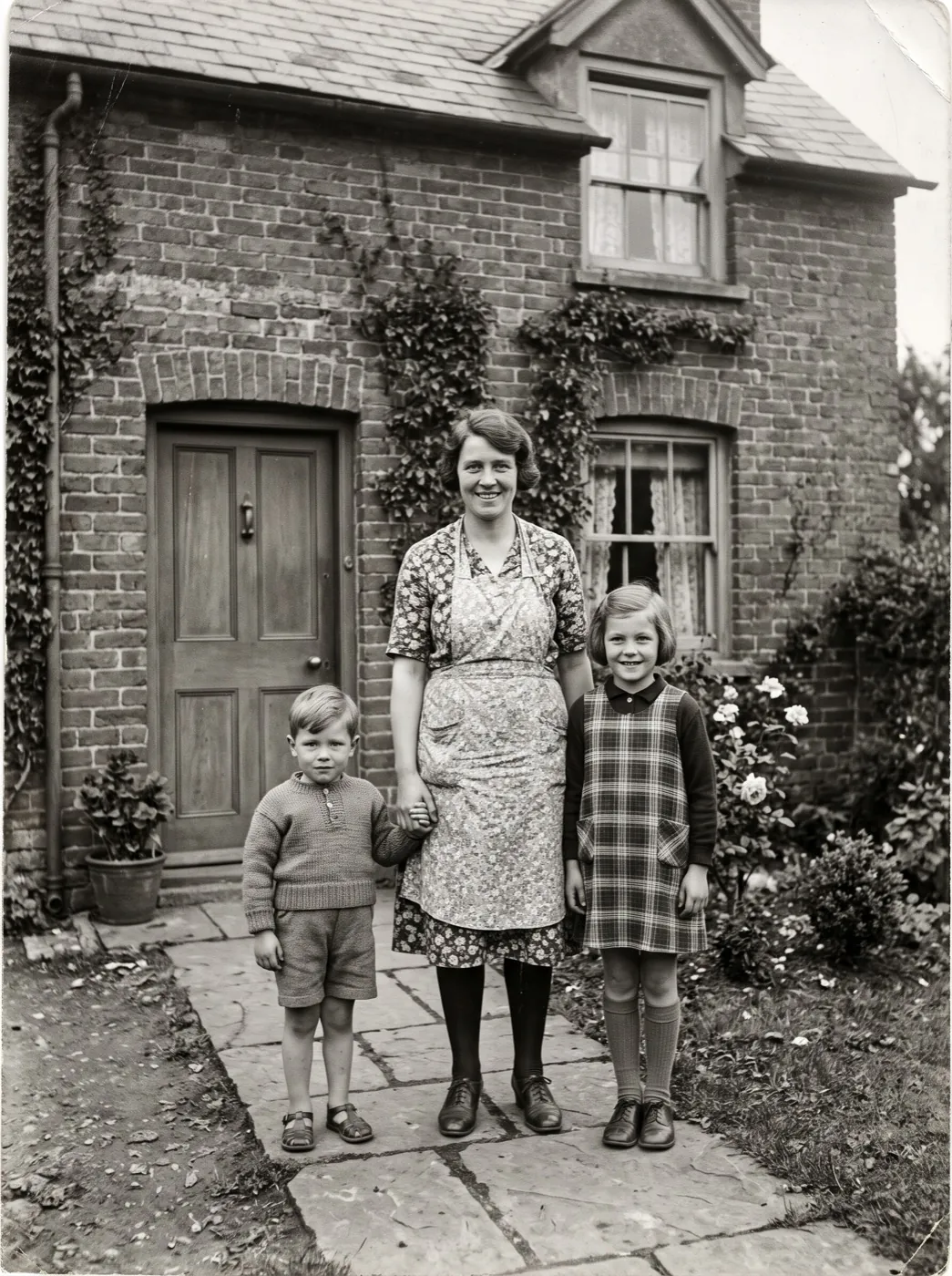
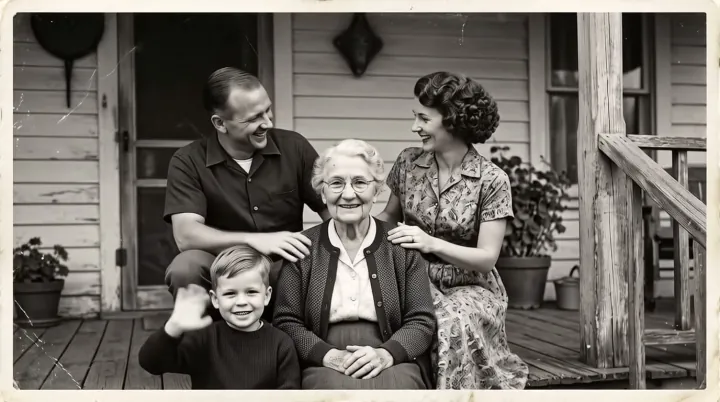
Grandmother laughs, the boy in front waves.
Photo to Video PhotoVideo
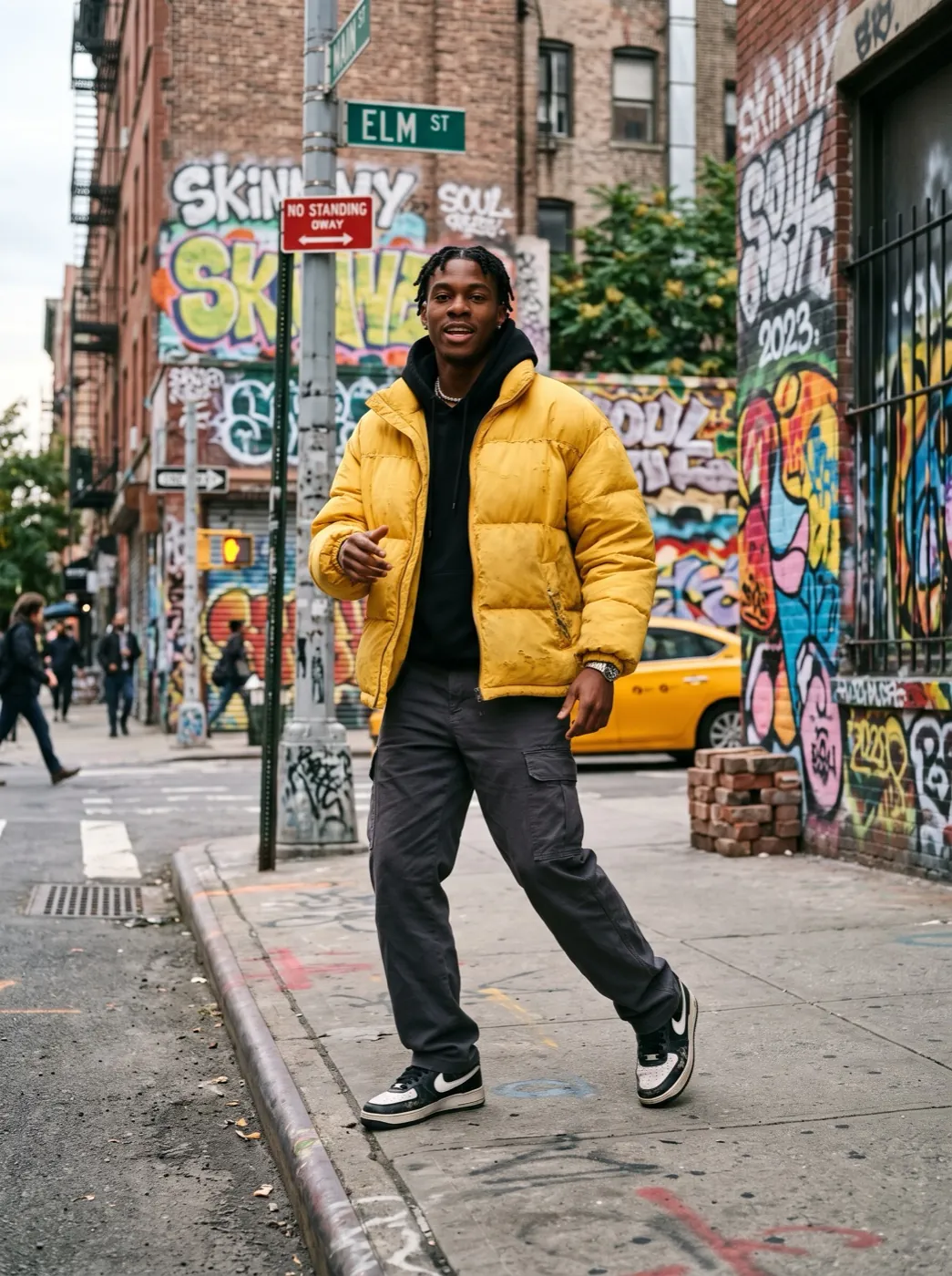
She does a short trend dance: two shoulder bounces, a hip sway, a half spin, and ends pointing at the camera with a grin.
Image to Video PhotoVideo
They wave at the camera and cheer together, the tree lights twinkle and the girl throws a handful of tinsel.
Image to Video PhotoVideo
She jumps into the puddle with a big splash and laughs.
Puddle jump effectChoose the first frame and the last, AI fills the move
Add a second photo in the box above and it switches to Frames to Video by itself. The model plans every frame between, so reveals and product turns end exactly where you want.
Open Frames to Video First frame
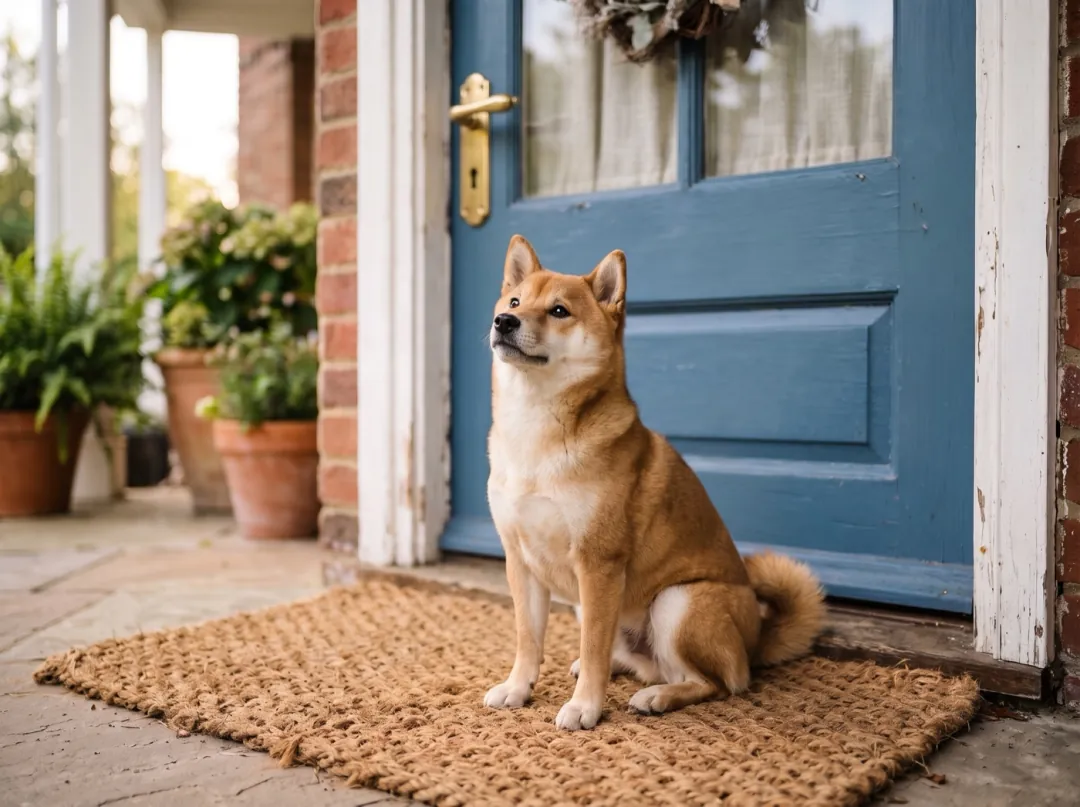 Last frame
Effects for when you have no idea what to write
Each effect is a tested prompt and model. Pick one here and its page opens with the generator ready for your photo.
Ten video models, one box
The box starts on Seedance 2 Mini. Open any model to see its own samples, or pick it from the chip above and stay right here.
Seedance 2 Mini
Everyday clips, quick and light
- 480P
- 5 s
- Sound
- 30
Seedance 2
Smooth camera moves, couples and dance
- 480P
- 5 s
- Sound
- 95
Kling 4.0
Fast action and dance
- 720P
- 5 s
- Sound
- 180
Veo 3.1 Fast
Talking clips with real sound
- 720P
- 8 s
- Sound
- 40
Wan 3.0
 Wan 3.0
A person and a pet from two photos
- 480P
- 5 s
- Sound
- 50
Hailuo 2.3
 Hailuo 2.3
Faces and feelings
- 768P
- 6 s
- 66
MiniMax H3
 MiniMax H3
Pet moments with sound
- 480P
- 5 s
- Sound
- 15
Grok Imagine Video 1.5
 Grok Imagine Video 1.5
Music, nightlife, quick tries
- 480P
- 5 s
- Sound
- 20
What people make with it
Six jobs that come up every day, each with a page of its own samples and prompts.
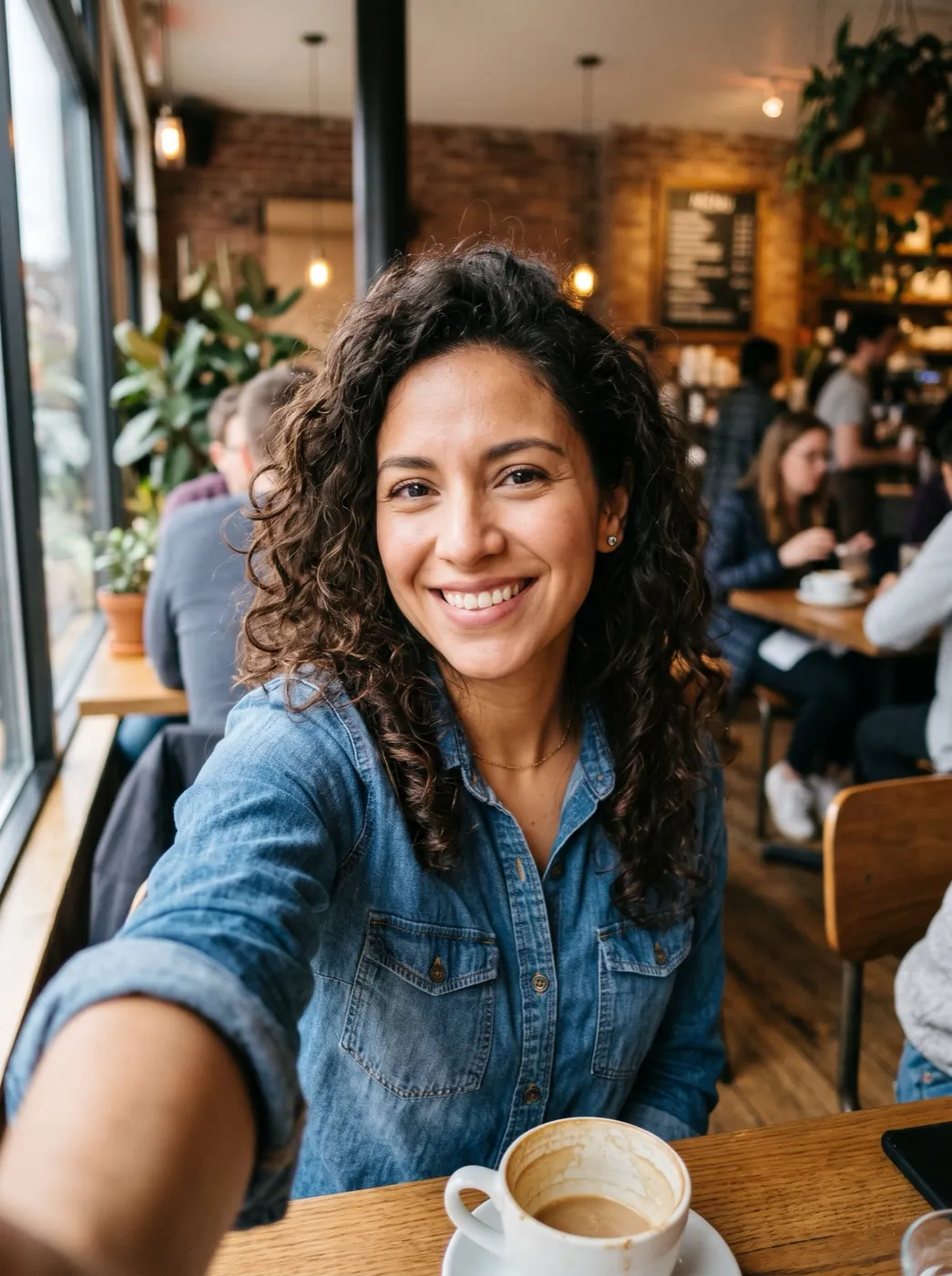
Portraits that move
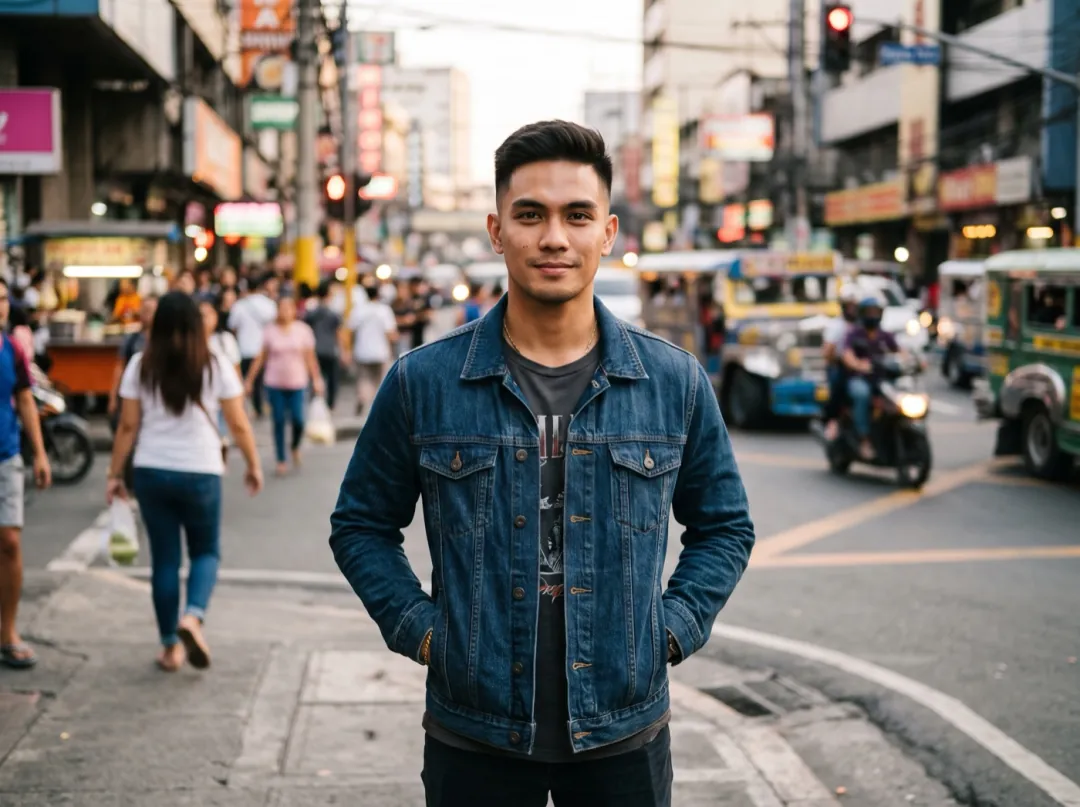
A selfie or a headshot gets a blink, a laugh, a slow turn to camera. The face stays the same person from the first frame to the last.

Product clips for your shop
One packshot becomes a short ad: the camera circles, light slides across, laces lift. Ready for a product page or a reel.
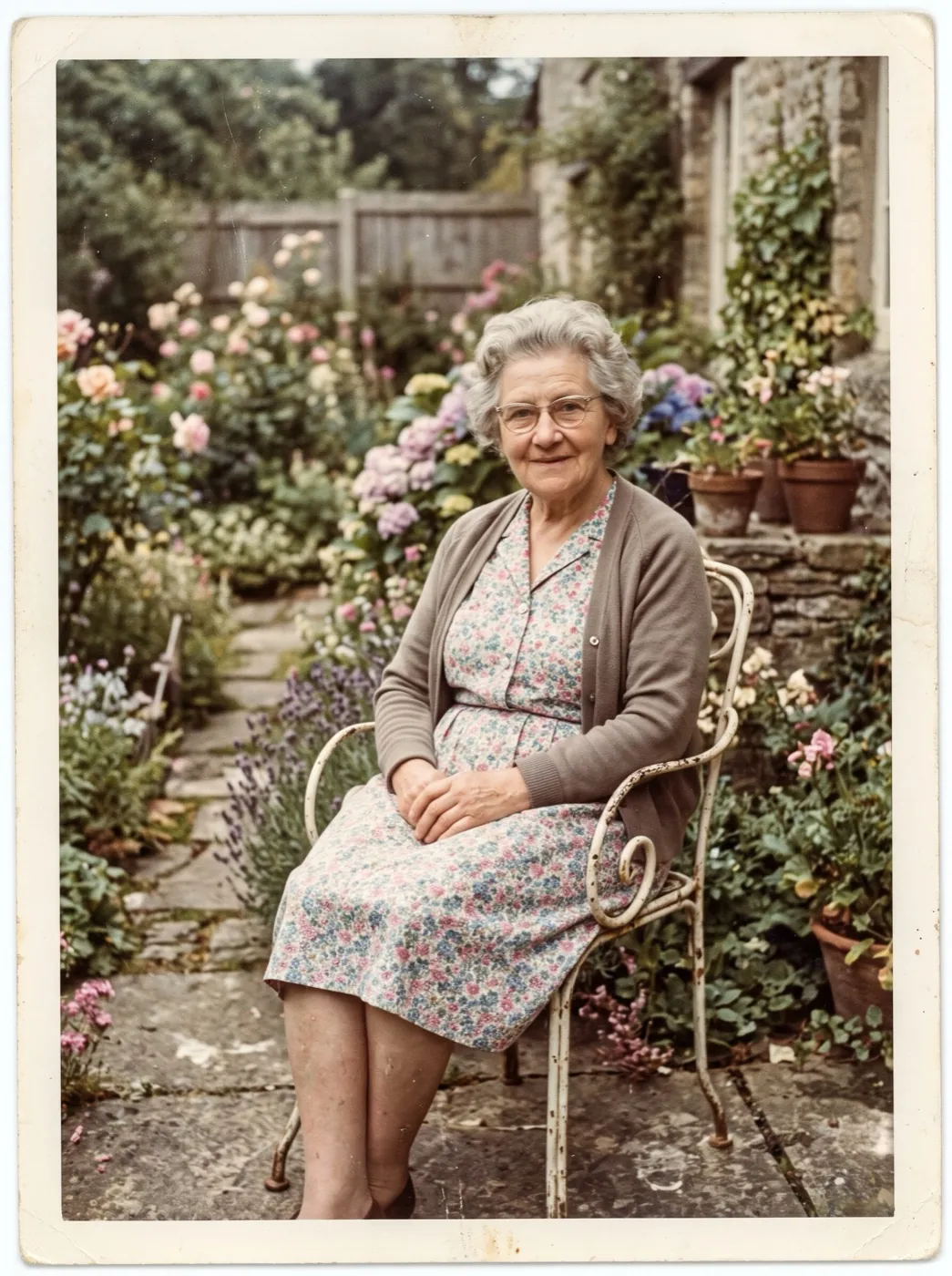
Old family photos, alive again
Faded prints and black-and-white snapshots get a gentle smile, a breath, a glance. Upload a scan or a phone photo of the print.
First and last frame
Give it where the shot starts and where it ends: a puppy on the doormat, the grown dog in the same spot. The model fills in the move between, so you decide the story.
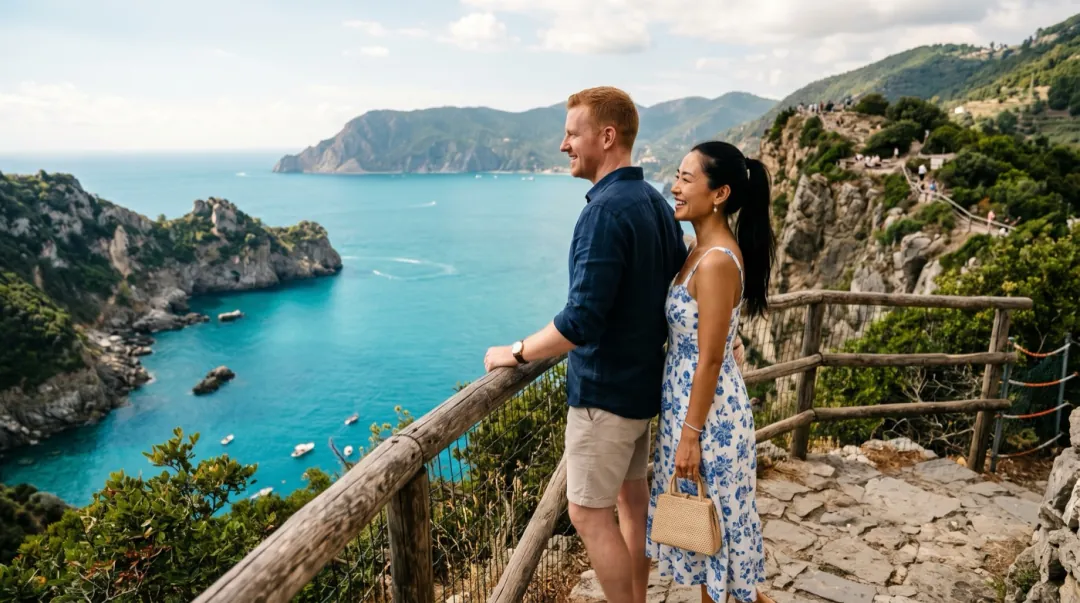
Camera moves in plain words
Write push in, orbit, pan left or rise up. The couple and the bay stay put while the camera travels.

Clips with sound
Several models add sound that fits the scene: ice clinking in a glass, a voice, a crowd. Turn it off when you only want the picture.
Finish the clip without leaving
Every result has a Send to tool menu. These four are the ones people reach for most.
What happens when you press Generate
You never start over. The photo and the words go with you to whichever page runs the job.
 Uploaded as you drop it
01Drop anything in the box
A photo, two frames, references or words. The tab lights up for what you gave it, and you can change it.
02The right studio opens
Your draft lands in that page's generator. Signed out? Log in on the spot and come back to the same draft.
 Ready · saved to My assets
03Keep going while it renders
Runs keep going if you browse. The header counts them and a note pops up when each clip is ready.
More clips for less, every month
One plan opens every model. 30% off your first month for 72 hours after sign-up. Failed runs give credits back.
First month, then $9.90 a month
- Up to 53 videosMiniMax H3 · 480p
- or 26 clipsSeedance 2 Mini · default
- or 20 clips with soundVeo 3.1 Fast · 8 s
- or 400 imagesGPT Image 2.5 Flare · low
 GPT Image 2.5 Flare · low
Yearly: 800 credits for $6.60 a month · save $39.60
All 10 video models
 HappyHorse 1.11080p
 FLUX 31080p
11 image models
 Nano Banana Pro
Tools and effects
- Video Upscaler to 4K88 s of 4K
- 62 video effectsOld photo, Street dance, Rain starts…
- Lip-Sync, Watermark Removerand 12 more tools
In every Basic month
- 1 video at a time
- Standard queue
- No watermark, use in ads and shops
- Failed runs refund their credits
- Results kept until you delete them
First month, then $24.90 a month
- Up to 160 videosMiniMax H3 · 480p
- or 80 clipsSeedance 2 Mini · default
- or 60 clips with soundVeo 3.1 Fast · 8 s
- or 1,200 imagesGPT Image 2.5 Flare · low
Yearly: 2,400 credits for $16.60 a month · save $99.60
All 10 video models
11 image models
Tools and effects
- Video Upscaler to 4K266 s of 4K
- 62 video effectsOld photo, Street dance, Rain starts…
- Lip-Sync, Watermark Removerand 12 more tools
In every Pro month
- 3 videos at a time
- Faster queue
- No watermark, use in ads and shops
- Failed runs refund their credits
- Results kept until you delete them
First month, then $69.90 a month
- Up to 500 videosMiniMax H3 · 480p
- or 250 clipsSeedance 2 Mini · default
- or 187 clips with soundVeo 3.1 Fast · 8 s
- or 3,750 imagesGPT Image 2.5 Flare · low
Yearly: 7,500 credits for $46.60 a month · save $279.60
All 10 video models
11 image models
Tools and effects
- Video Upscaler to 4K833 s of 4K
- 62 video effectsOld photo, Street dance, Rain starts…
- Lip-Sync, Watermark Removerand 12 more tools
In every Max month
- 6 videos at a time
- Priority queue
- No watermark, use in ads and shops
- Failed runs refund their credits
- Results kept until you delete them
 Secure checkout by Stripe


 Cancel anytime in Account
Questions, answered straight
Short answers to what people ask before their first clip.
Can I try AI image to video for free?
New accounts get 10 free credits once they confirm their email, and a daily check-in adds up to 18 more each week. They cover the image tools and image effects. Videos use paid credits; plans start at $9.90 a month, and a run that fails gives its credits back.
How long are the videos?
Each run makes a 5 to 8 second clip, depending on the model. Extend it from the last frame to make it longer.
Will the face still look like the person?
Yes for most photos. Models keep the face, hair and clothes from your photo; a clear, front-lit face works best.
What kind of photo works best?
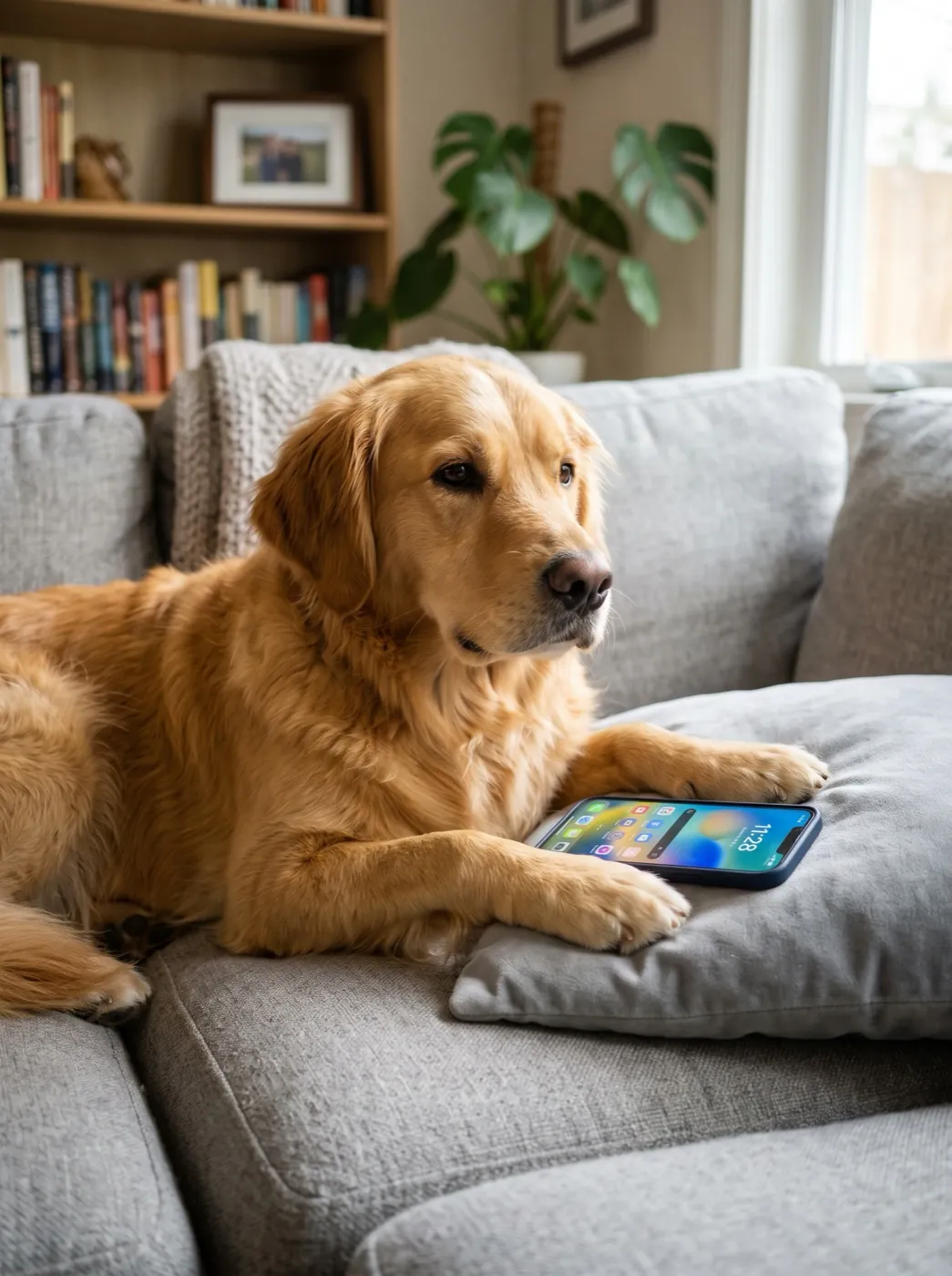
A sharp photo with one clear subject and room around it. Show the start of the move: a paw on the phone, a dancer about to spin.
Can I put the clips in ads and shop listings?
Yes. Videos made with paid credits have no watermark and can go in ads, shops and social posts.
How long does a video take?
Usually one to four minutes. Bigger models and longer clips take longer; the header shows each run and a note pops up when it is ready.
What happens if a video fails?
The credits go back to your balance on their own. You never pay for a clip you did not get.
What happens to my photo after the video is made?
On the free tier it is deleted after 30 days. On a paid run the photo stays with its clip in My assets until you delete them.
Make your photo move in the next two minutes
30% off your first month for 72 hours after sign-up. Every model, no watermark.
Add a photo